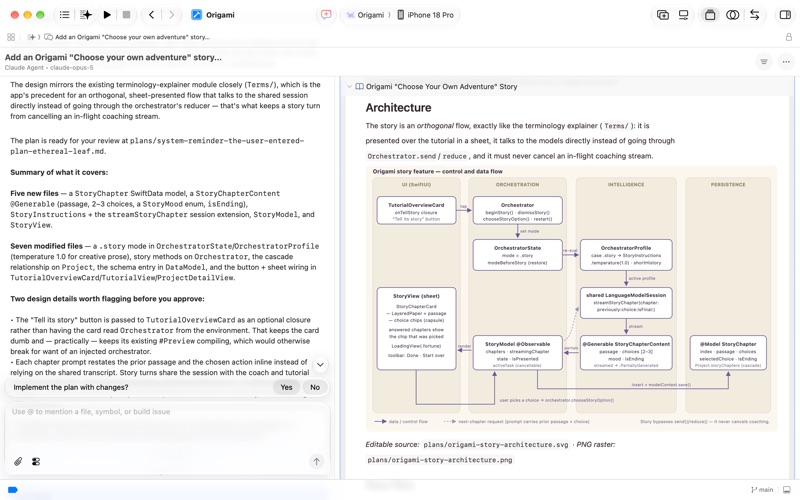
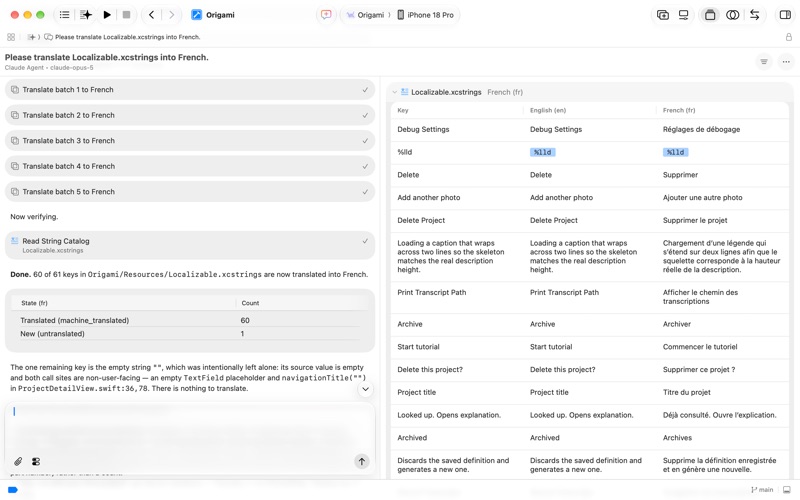
Xcode offers the tools you need to develop, test, and distribute apps for Apple platforms, including generative intelligence powered by frontier coding agents and models, advanced profiling and debugging tools, and simulators for Apple devices. It enables a unified workflow that spans from the earliest stages of app development to testing, debugging, optimization, and app distribution to testers and users. And with the Swift programming language, Xcode makes developing apps easy and fun.
Device Hub enables rapid prototyping and testing of your app on both physical devices and simulators, with dynamic resizing and adjustable appearance. Instruments helps you profile and analyze your app, improve performance, and investigate system resource usage. And you can design stunning layered icons out of Liquid Glass with Icon Composer, train custom machine learning models with Create ML, and identify potential accessibility issues with Accessibility Inspector.
To test or run applications on an Apple device, all you need is a free Apple Account. To submit your apps to the App Store, you must be a member of the Apple Developer Program. Some features may require internet access and may not be available in all regions or on all Apple devices.