
The Canva Windows app lets you enjoy all the features you love in a dedicated program. Launch Canva instantly from your desktop. Dive into deep work without the tab overload.
WORK SMARTER WITH THE VISUAL SUITE
A complete suite of tools for our visual world
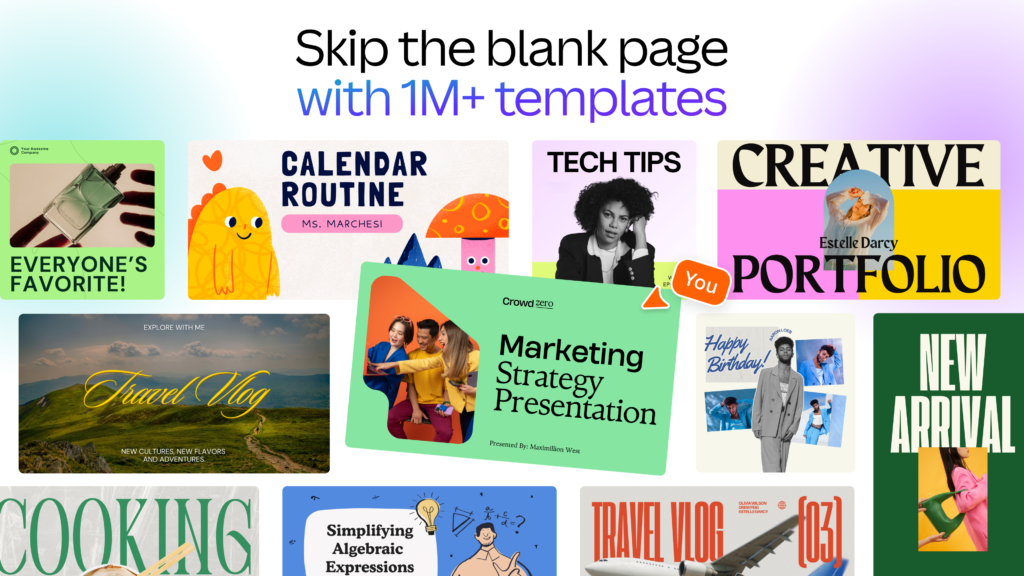
– Craft professional content with 1 million templates.
– Design visual Docs with videos, charts, or linked Canva designs.
– Capture your team’s best ideas with Whiteboards.
– Present with confidence. Wow your audience with visual slides.
– Produce content at scale with Canva sheets.
– Design, schedule, and track your social posts in one place.
– Print anything from t-shirts to mugs, posters, and packaging.
– Turn your designs into a website. Save on domain costs.
– Collaborate in real time with your team, from anywhere.
– Connect your favorite work apps for a seamless workflow.
PHOTO & VIDEO EDITING MADE SIMPLE
Fresh content at your fingertips
– Edit photos instantly. Auto enhance, focus, or blur to add depth.
– Personalize with ease. Filter photos, add text, and adjust image lighting.
– Need to remove photo clutter? Add, replace, or modify details with AI tools.
– Restore photos or customize emojis. Discover new possibilities with Canva apps.
– Play with video editing. Crop, split, or speed up videos.
– Finish with the perfect audio track. Sync to the beat in a snap.
MEET MAGIC STUDIO & CANVA AI
All the power of AI. All in one place.
– Find the right words, fast, with Magic Write.
– Create custom presentations and posts in seconds with Magic Design (English only).
– Turn ideas into images and videos with Magic Media.
– Swap design formats, languages, or dimensions with Magic Switch.
– Extend an image in any direction with Magic Expand.
– Instantly add transitions to your design with Magic Animate.
WHY CHOOSE CANVA PRO?
Canva Free
– Individual Use
– 1 Brand Kit
– 1.6M+ tempaltes
– 4.7M+ basic photos, videos, graphics and audio
– Limited access to 40+ AI creation tools
– 5GB cloud storage
CANVA PRO – START YOUR FREE TRIAL WHEN YOU DOWNLOAD THE APP
– Best for Content creators
– 5 Brand Kits
– 3.6M+ templates (including premium)
– 141M+ premium photos, videos, graphics and audio
– High access to 40+ AI creation tools
– 100GB Cloud Storage
*At the end of your free trial, Canva will charge the relevant subscription fee for the next billing cycle to your nominated payment method, unless you cancel your subscription prior to the end of the free trial. If you have access to a free trial or pilot, your access to features made available as part of that free trial or pilot will cease if you do not enter into a paid subscription prior to the end of the pilot period.
https://about.canva.com/terms-of-use
https://about.canva.com/privacy-policy